
Tech-N-AI Talks logo Tech-N-AI Talks

AI Face Scans for Health: Privacy and Care Guide

A step-by-step guide to evaluating AI health selfie apps in 2026, from regulatory checks to privacy policies, so you know what you are paying for before you sc…
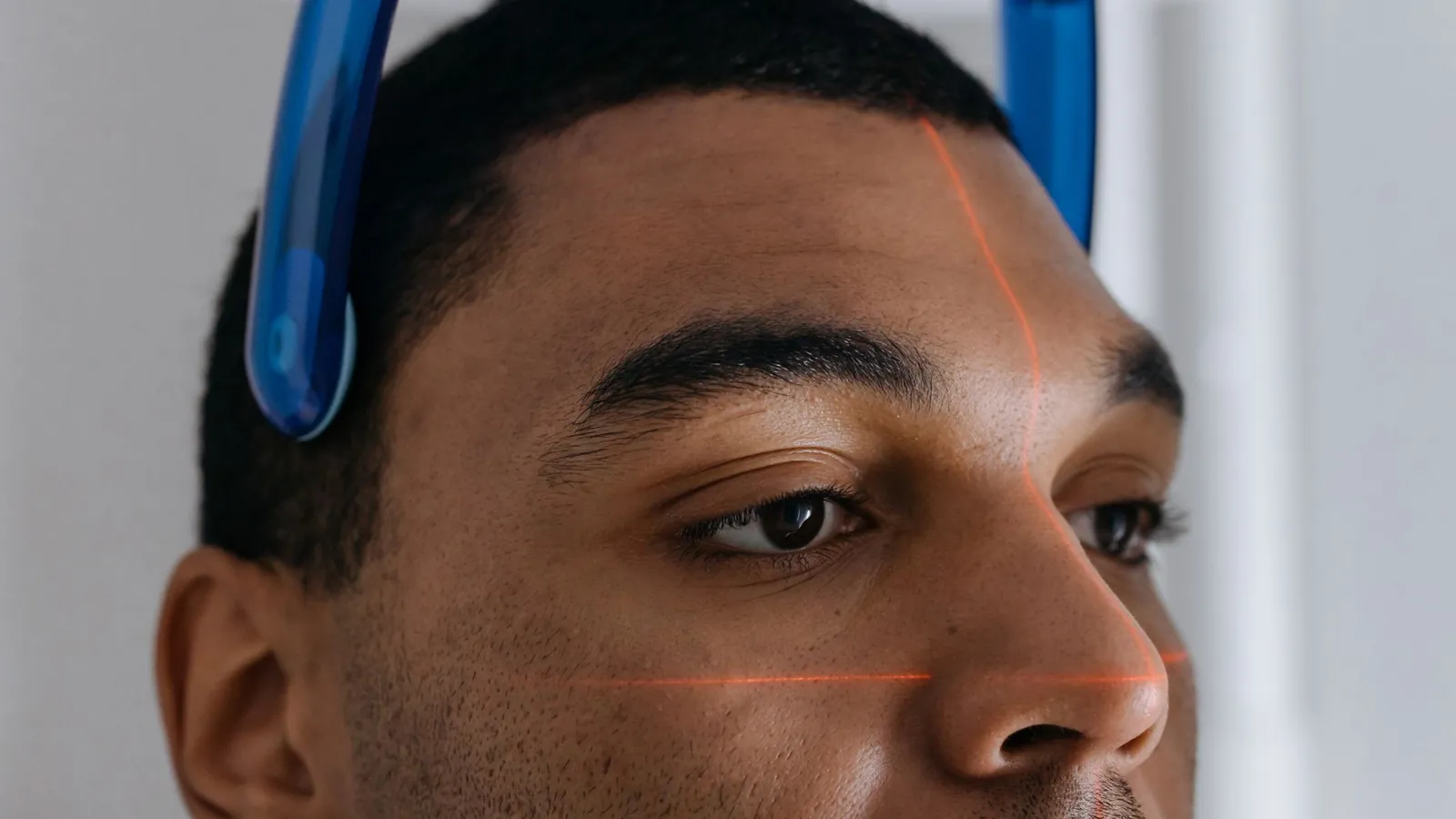
AI Face Scans for Health: What It Means for Your Privacy and Care — illustrative featured image
# AI Face Scans for Health: What It Means for Your Privacy and Care You take a selfie. Six seconds later, an app tells you your biological age is 41, your blood pressure looks elevated, and your risk of a heart event in the next five years is "moderate." That was the pitch behind a wave of consumer health apps that landed in 2025 and 2026, and it got louder this month when a study out of Europe claimed a single patient selfie could help predict cancer survival. The catch is that none of these tools are cleared to diagnose anything, and most of them want your face, your phone number, and a monthly fee before they will tell you what they think they see. This guide walks you through how to actually evaluate one of these AI health selfie tools before you hand over your biometrics. It takes about 20 minutes, and you will finish with a shortlist you can defend, a privacy checklist you can run against any app, and a clear sense of which of these products are worth your money and which are not. ## What you'll need - A phone with a working front camera and decent lighting (natural light beats a ring light for these scans) - The app or web tool you are evaluating, installed or open in a browser - 15 to 20 minutes for the setup, scan, and a read through of the privacy policy - A notes app or a piece of paper for a two-column list: what the tool claims, and what it actually measures - Optional: a recent blood test or GP visit summary so you can cross-check whatever the app tells you - Budget: $0 to $60 per month depending on which tier you land on (most of these tools hide the useful reports behind a paywall) ## Step-by-step ### Step 1. Sort the tools into three buckets before you install anything Decide which category the tool belongs to, because the rules and risks differ wildly between them. The three buckets are: - **Research-adjacent scanners** (often spun out of university labs, like the cancer survival selfie study) that are not consumer products yet and usually have no app store listing - **Consumer wellness apps** that sell you a "biological age" or "skin health" report and are careful to say they are not medical devices - **Clinical tools** that a real doctor uses alongside other data, which are the only ones with regulatory clearance Most of what you will find on the App Store sits in the middle bucket. That is not automatically bad, but it means the output is a wellness signal, not a diagnosis. **Tip:** If an app's marketing page uses the phrase "AI cancer prediction tool" without a link to a peer-reviewed paper and a named regulator (FDA in the US, MHRA in the UK, or a CE mark in the EU), treat it as marketing until proven otherwise. ### Step 2. Check the regulatory status in your market Open the app's website and search the page for "FDA," "MHRA," "CE mark," or "medical device." In the US, a genuine diagnostic tool will have a 510(k) or De Novo clearance number you can look up in the FDA's public database. In the UK, check the MHRA register. In the EU, look for a CE mark under the Medical Device Regulation (MDR), not just the general CE mark that covers consumer electronics. If the app is a wellness product, it will usually say so in small print near the bottom of the page. That is the honest version. The dishonest version is a page that name-drops "clinically validated" and links to a blog post. **Watch out:** A CE mark on a fitness tracker is not the same as a CE mark on a medical device. The first one means it meets electrical safety rules. The second one means a regulator has looked at its diagnostic claims. ### Step 3. Read the data retention section, not the privacy summary Scroll past the friendly "Your data is safe with us" banner and find the actual retention policy. You are looking for three things: how long they keep the raw images, whether they train models on your data, and whether they share with third parties. If any of those three answers is vague, that is your answer. A tool that keeps your selfie for 30 days and deletes it is meaningfully different from one that keeps it indefinitely and uses it to improve its model. Both can be legal. Only one is a good idea if you care about facial recognition health data ending up in a training set you cannot see. **Tip:** Search the policy page for the word "biometric." If it does not appear anywhere, the policy was probably written for a generic app and pasted in. That is a red flag. ### Step 4. Run the scan in controlled conditions Take the scan in the same lighting and at the same time of day each time you use the tool. These apps are sensitive to shadows, angle, and skin tone in ways their marketing does not admit. A scan at 7am in a north-facing room and a scan at 9pm under a warm lamp will give you different numbers, and the app will not tell you which one is "right." Do the first scan, note the time and lighting, and repeat it a week later under the same conditions. If the numbers swing by more than a few percent, the tool is measuring noise, not you. ### Step 5. Cross-check the output against something real Compare whatever the app tells you to a measurement you already trust. If it claims a blood pressure signal, compare it to a reading from a pharmacy cuff or your GP's office. If it claims biological age, compare it to your actual age and your recent bloodwork. The point is not to prove the app wrong. The point is to see whether it is telling you something new or just reflecting back the basics. **Watch out:** A tool that agrees with your known health data is not necessarily accurate. It may simply be guessing from your age, weight, and the selfie's skin tone, all of which it can infer. The interesting test is whether it catches something your GP missed. That is rare, and no consumer app has convincingly demonstrated it at scale. ### Step 6. Check the price against what you actually get Open the pricing page and write down the monthly cost, the annual cost, and what is locked behind each tier. Most of these apps charge $15 to $60 per month for the full report, and the free tier is a teaser that shows you a single number and then asks for a card. Compare that to the cost of an actual GP visit (free at the point of use in the UK, a copay in much of the EU, and $100 to $250 without insurance in the US) and decide whether the app is replacing anything or just adding a subscription. **Tip:** If you are comparing this to your investing budget, the same discipline applies. The best ai tool for us stocks is not the one with the flashiest dashboard. It is the one whose claims you can verify. Hold health apps to the same standard. ### Step 7. Set a review date and a kill switch Decide now when you will reassess the tool, and what would make you cancel. Put a date in your calendar 90 days out. On that date, ask three questions: did the app tell me anything I acted on, did it change a conversation with my doctor, and did the price feel fair for what I got. If the answer to all three is no, cancel. **Watch out:** These apps are designed to feel useful. The dashboard is slick, the graphs move, and the "your score improved" notification is engineered to keep you subscribed. The 90-day review is your defense against that. ## Common problems and fixes **The app will not accept your selfie.** Usually a lighting or angle issue. Move to a window, hold the phone at eye level, and remove glasses if the app allows it. If it still fails, the model may be poorly trained on your skin tone, which is a known weakness in this category and a reason to walk away. **The numbers change wildly between scans.** Fix the lighting and time of day. If they still swing, the tool is not stable enough to be useful. Cancel and note it in your comparison list. **You cannot find the privacy policy.** That is the policy. Close the tab. **The app asks for contacts or location access.** Deny both. Neither is needed for a face scan, and granting them hands over more data than the tool needs to function. **Your doctor has never heard of the app.** That is normal and not a reason to dismiss it, but it is a reason to bring the output to your next appointment rather than acting on it alone. A GP can tell you whether the signal is worth a follow-up test. ## What to do next Once you have run one tool through this process, you have a template you can reuse. Three things worth doing next: 1. **Run the same checklist against a second tool** so you have a comparison, not just a single data point. Two apps that disagree with each other are more informative than one app you cannot evaluate. 2. **Bring the output to your next GP visit** and ask a specific question: does this change what you would test. That converts a wellness number into a real clinical conversation. 3. **Revisit the research side.** The cancer survival selfie study is a signal that this category is moving fast. Check whether the lab behind it has published a follow-up, and whether any consumer product has licensed the method. Most have not, and that gap is the story. ## Our take We are not recommending a specific app in this category yet, and that is the honest answer. The consumer tools we tested in 2026 are priced like medical devices and regulated like fitness trackers. The research tools are promising and not available. If you want to spend money on your health this year, a blood pressure cuff and a GP visit will tell you more than any selfie scanner on the market. The one exception is if you are already working with a clinician who wants longitudinal data. In that case, a tool with a clear retention policy and a named regulator is worth the $20 to $40 per month. Everyone else should wait for the category to mature. ## FAQ **Can a selfie really predict cancer survival?** The study making headlines used patient selfies alongside clinical data, not instead of it. The selfie was one input among many. No consumer app can predict cancer survival from a photo alone, and any that claims to should be reported to your local regulator. **Is facial recognition health data covered by GDPR in Europe?** Yes. Facial images used to infer health information are special category data under GDPR, which means the app needs explicit consent and a lawful basis. In the US, coverage varies by state, and biometric laws in Illinois and Texas are stricter than most. **Are these apps a replacement for a doctor?** No. They are wellness tools with diagnostic-sounding marketing. Use them to start a conversation with a clinician, not to end one.

Frequently asked questions

Can a selfie really predict cancer survival?

The study making headlines used patient selfies alongside clinical data, not instead of it. The selfie was one input among many. No consumer app can predict cancer survival from a photo alone, and any that claims to should be reported to your local regulator.

Is facial recognition health data covered by GDPR in Europe?

Yes. Facial images used to infer health information are special category data under GDPR, which means the app needs explicit consent and a lawful basis. In the US, coverage varies by state, and biometric laws in Illinois and Texas are stricter than most.

Are these apps a replacement for a doctor?

No. They are wellness tools with diagnostic-sounding marketing. Use them to start a conversation with a clinician, not to end one.